
Free Mac app for wedding filmmakers
Frameworthy
Your films are full of photographs. Keep the best ones.
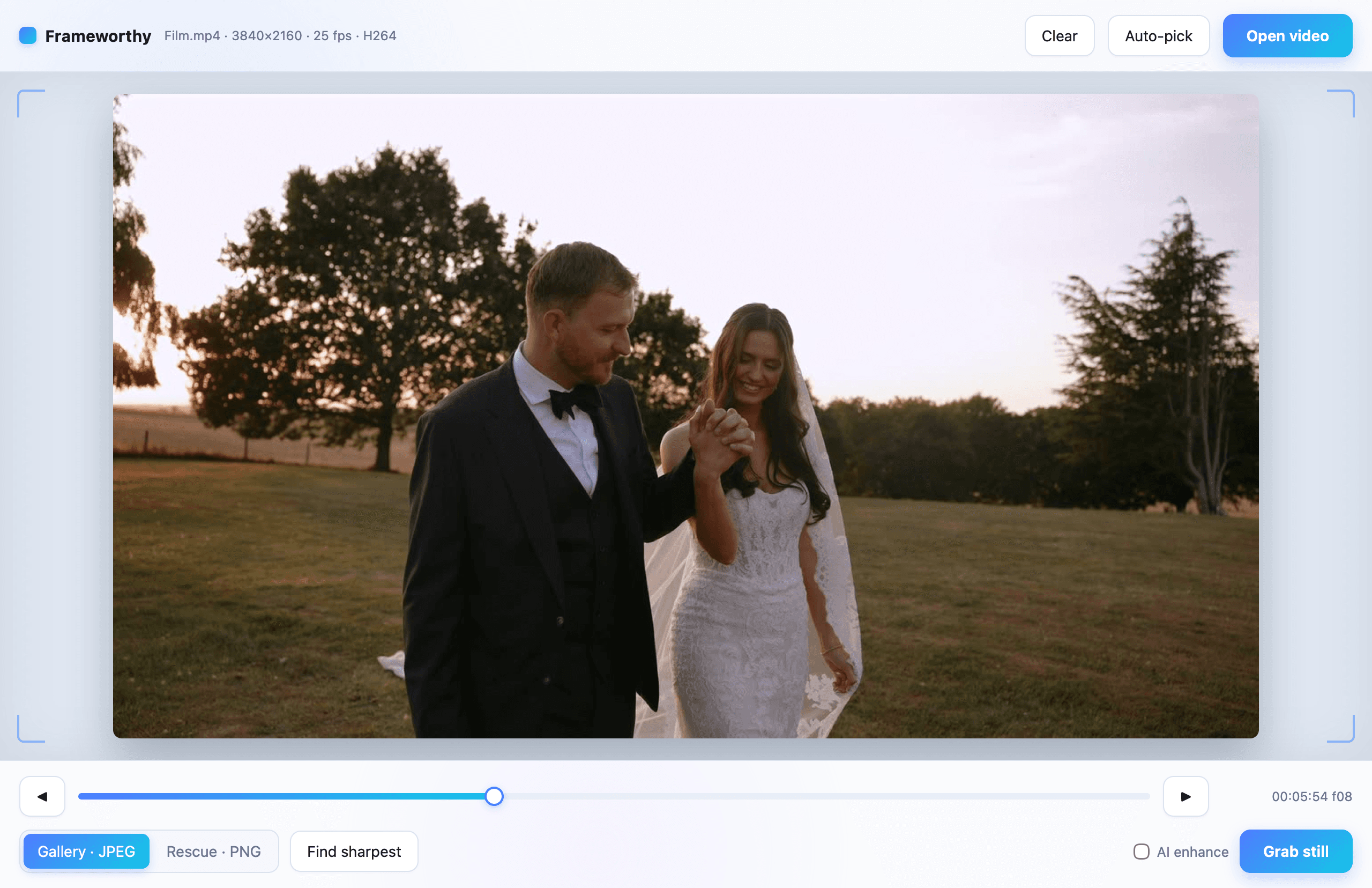
Try it here
The dip lasted a second. The photo is in there.
This is Emily and David leaving their ceremony, petals in the air. Drag through the footage the way Frameworthy scrubs it, and keep the frame worth framing.
Emily & David · The exit
Six seconds. One photograph.
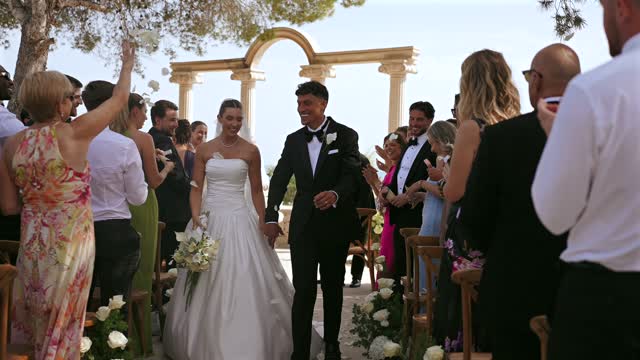
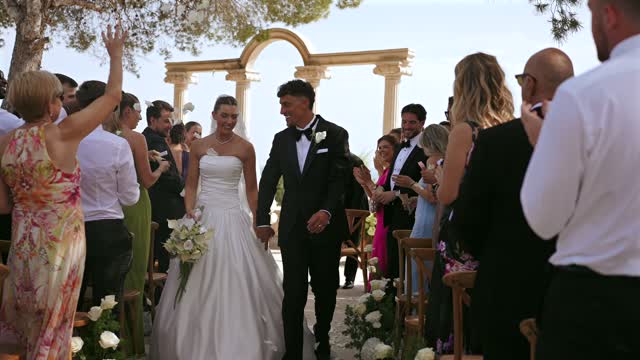
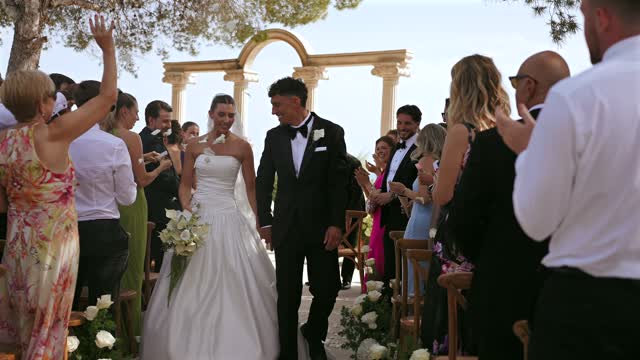
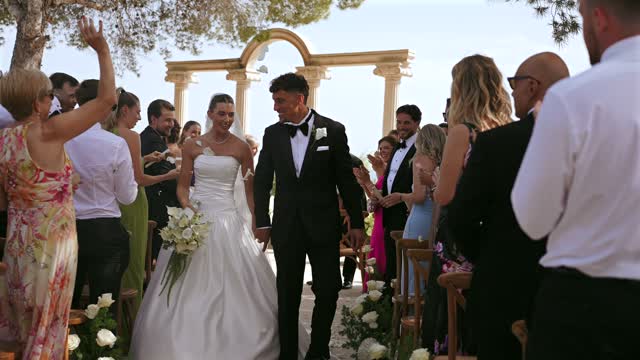
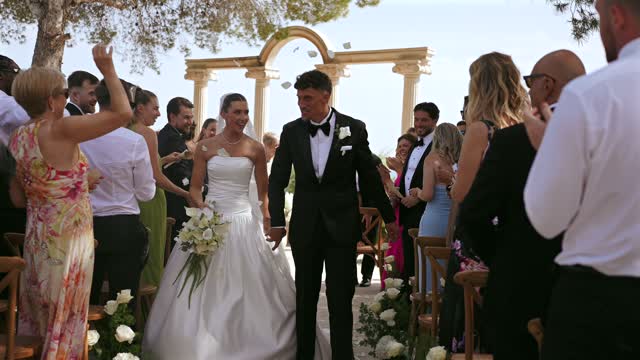
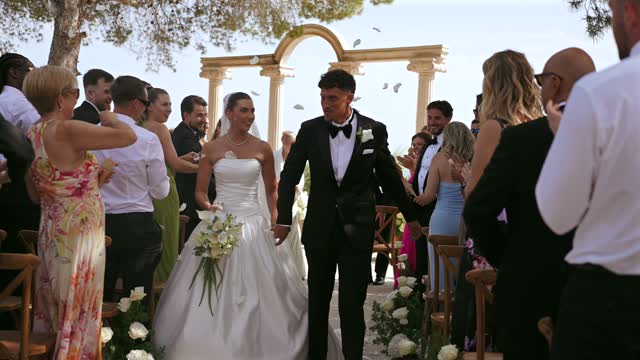
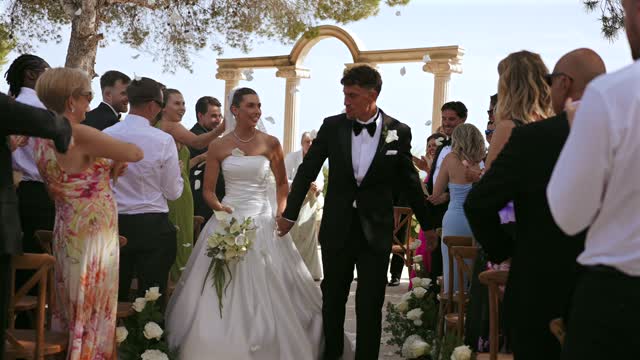
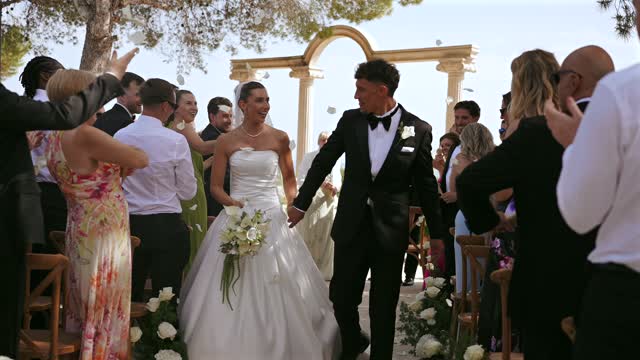
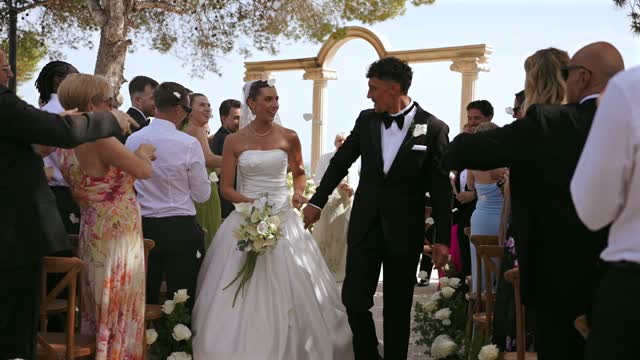
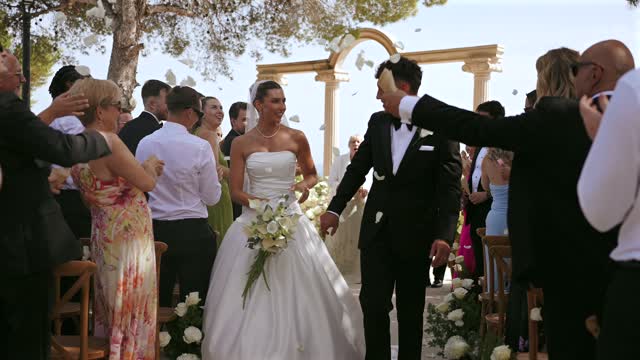
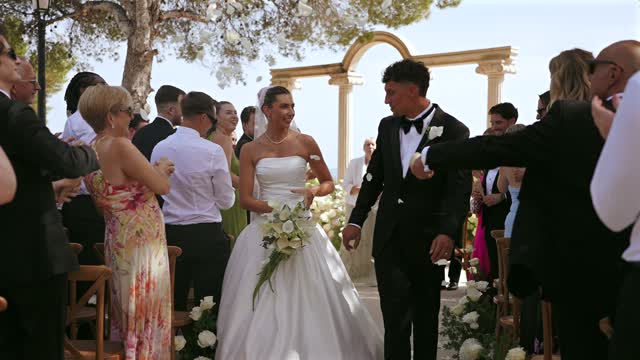
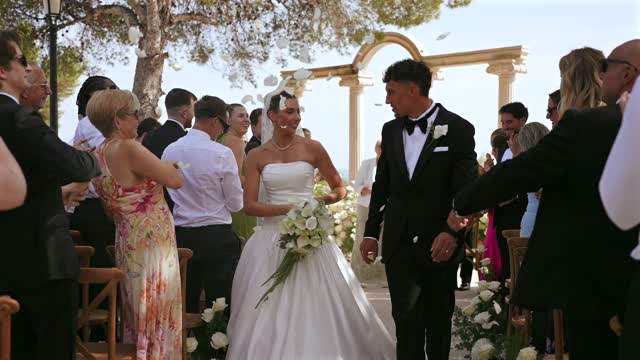
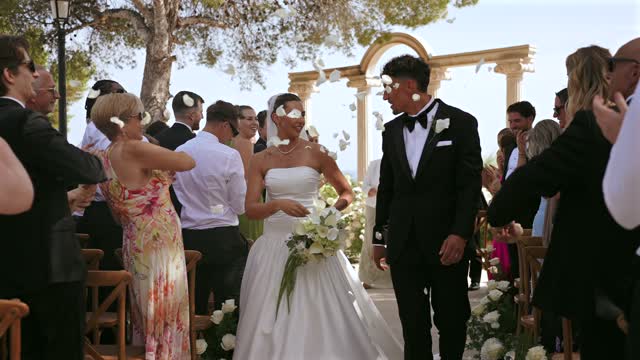
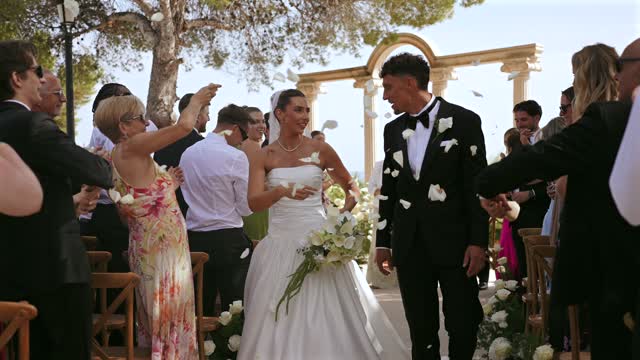
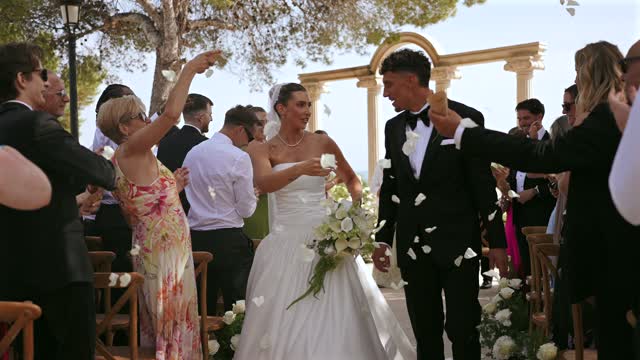
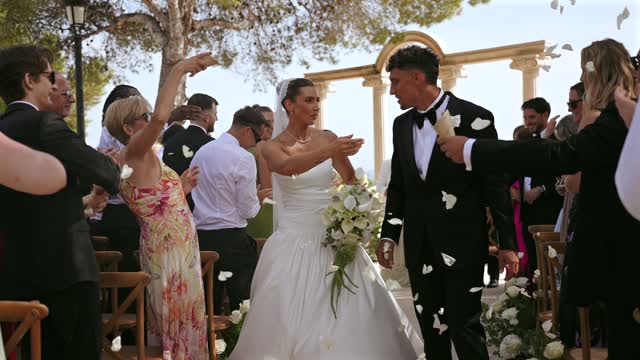
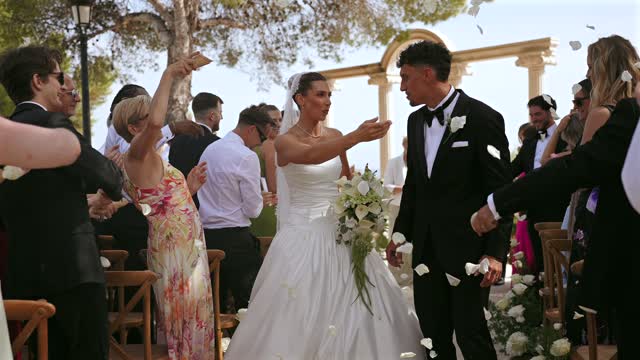
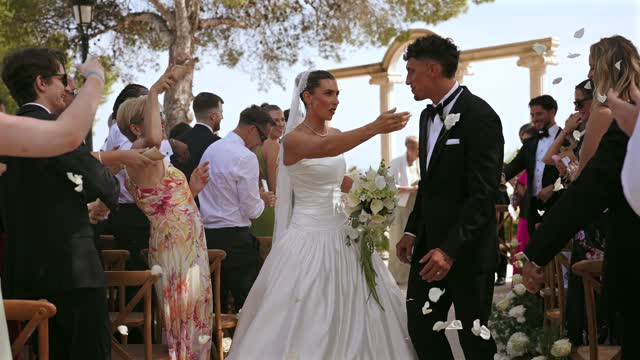
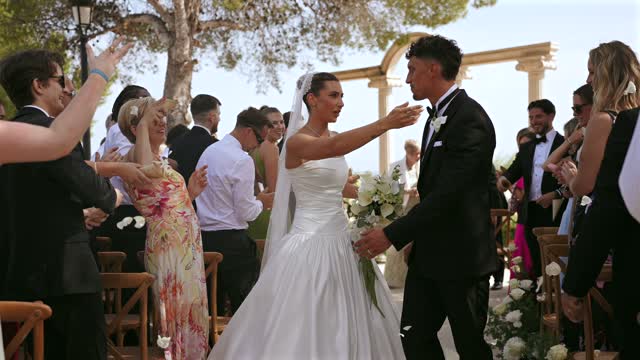
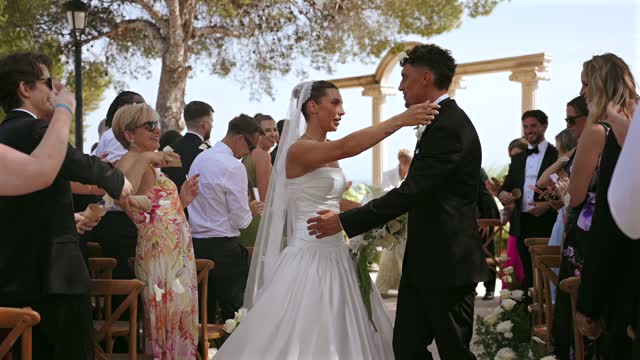
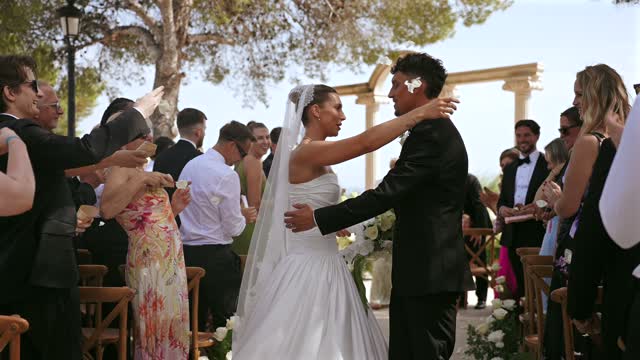
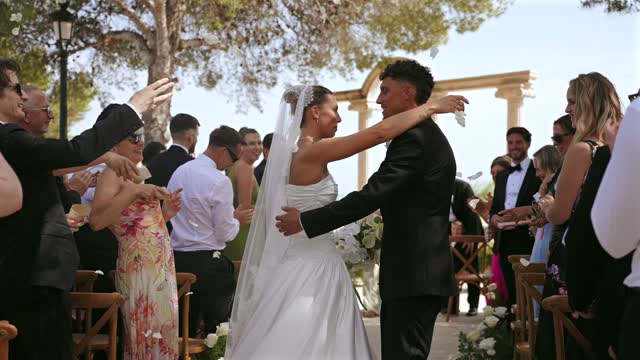
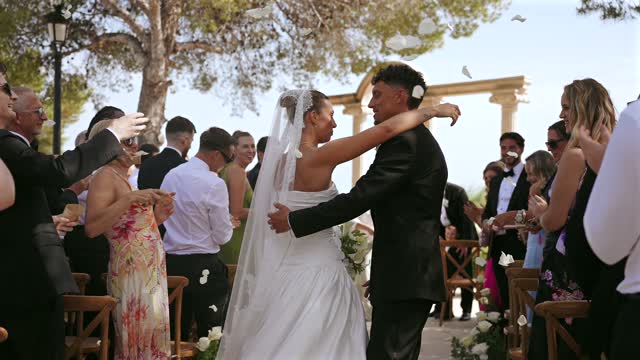
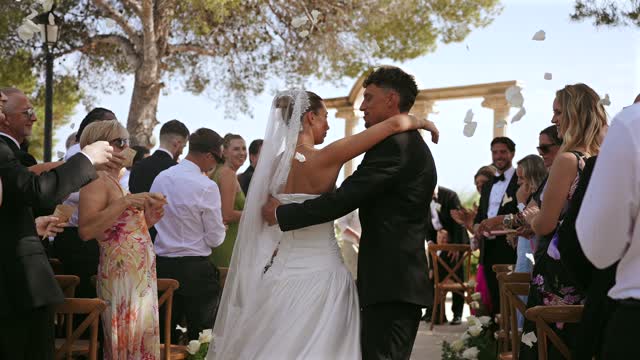
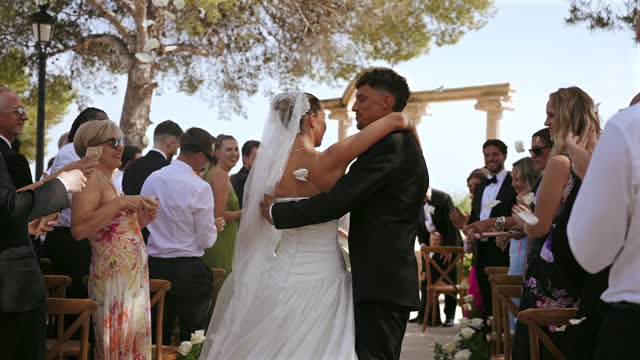
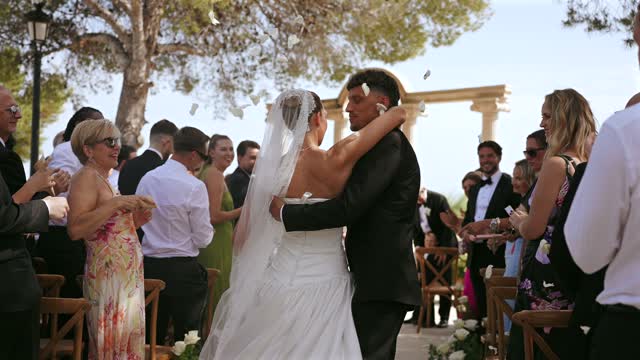
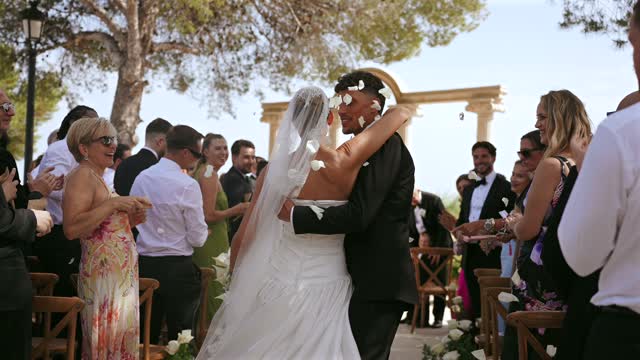
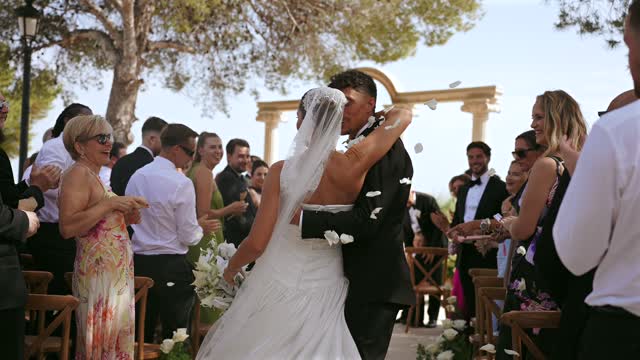
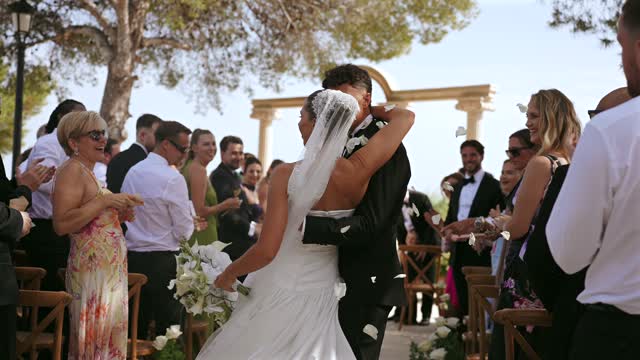
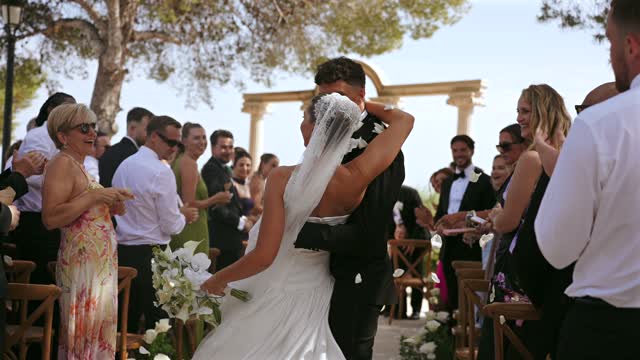
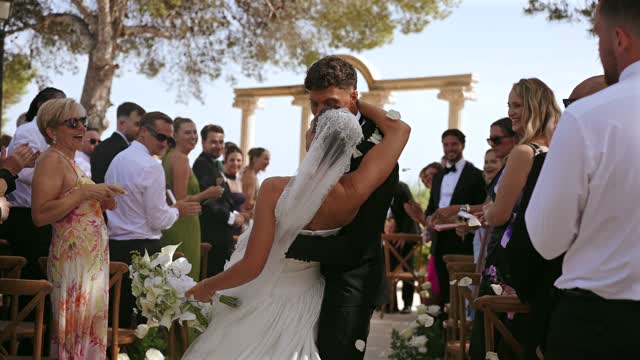
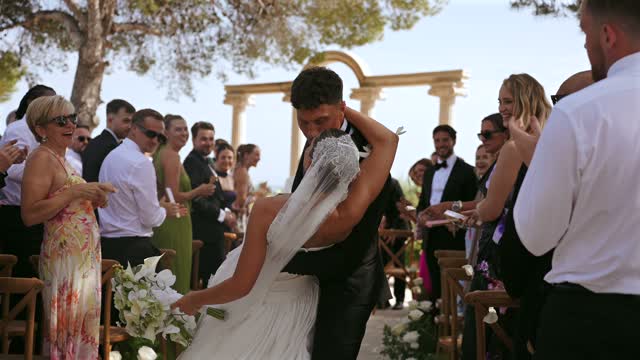
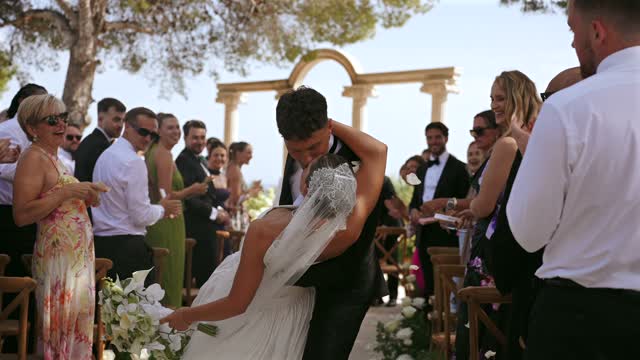
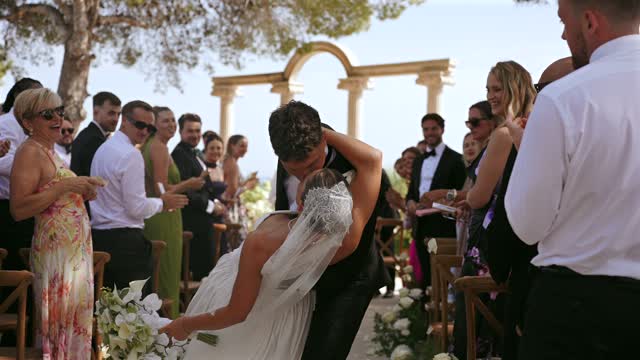
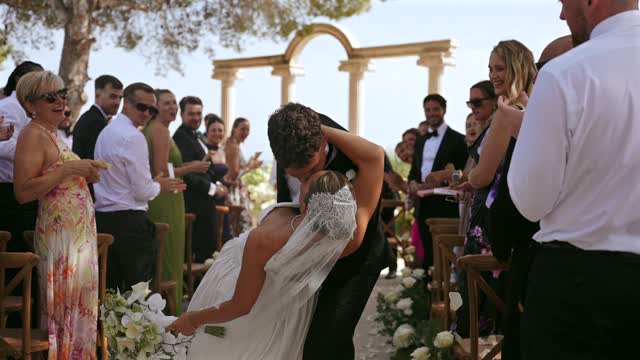
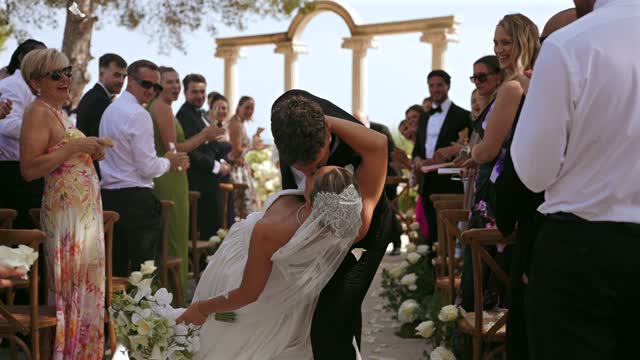
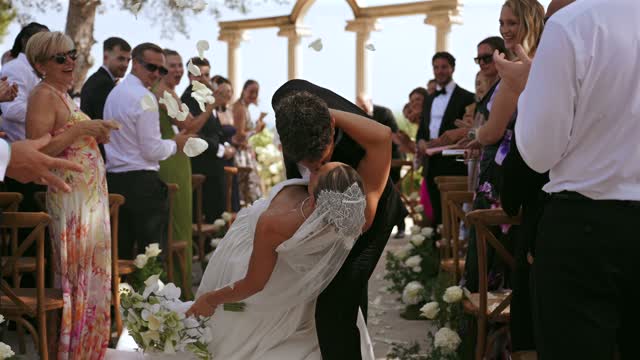
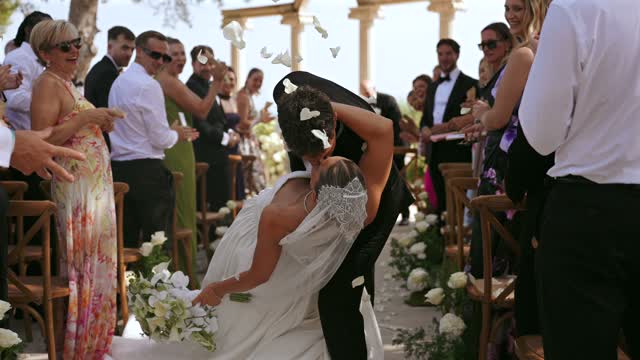
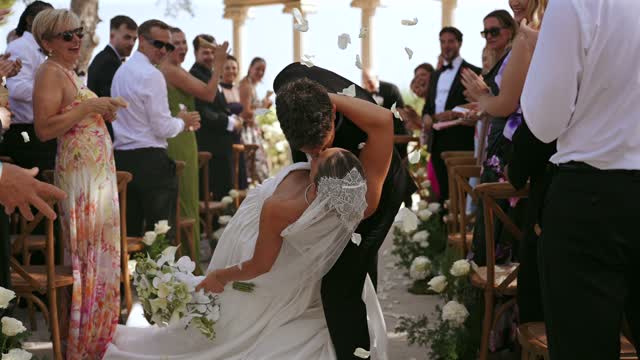
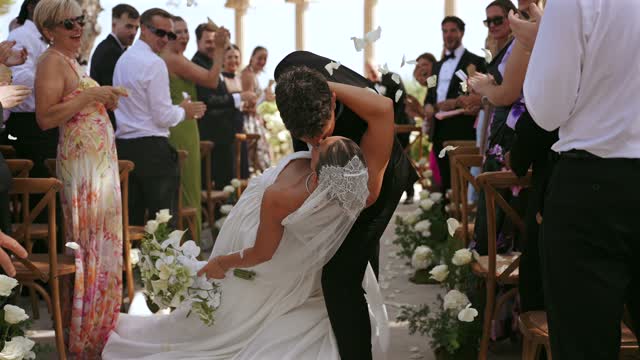
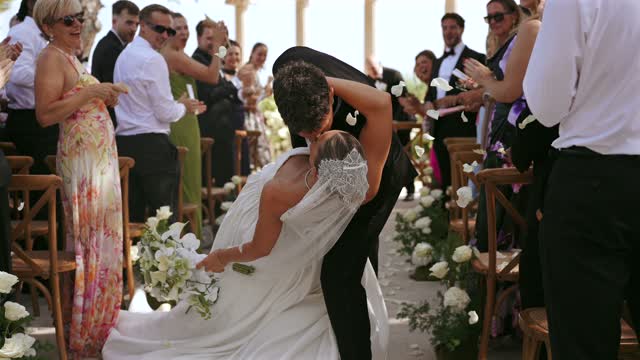
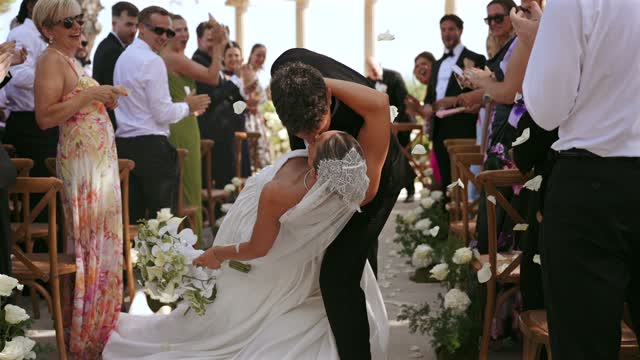
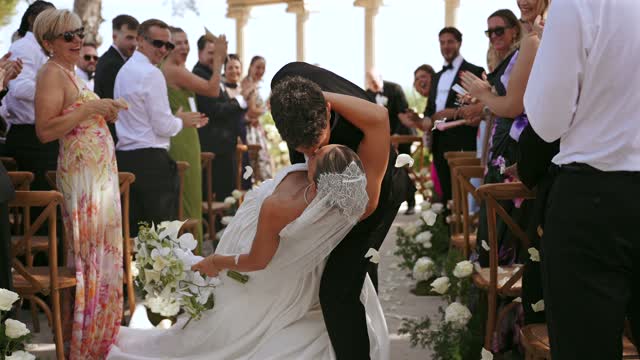
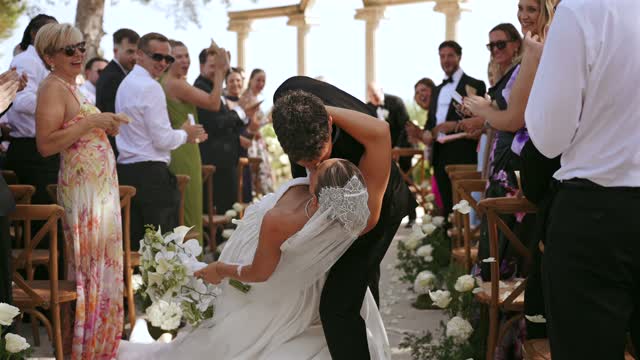
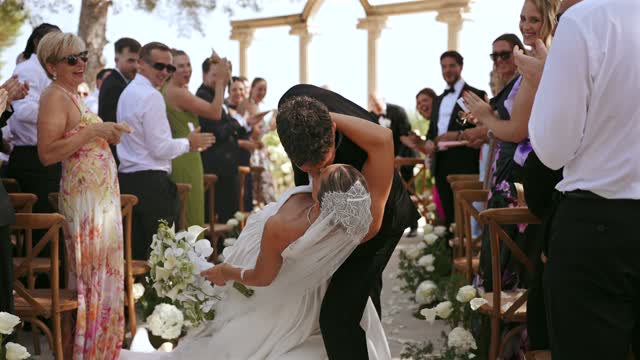
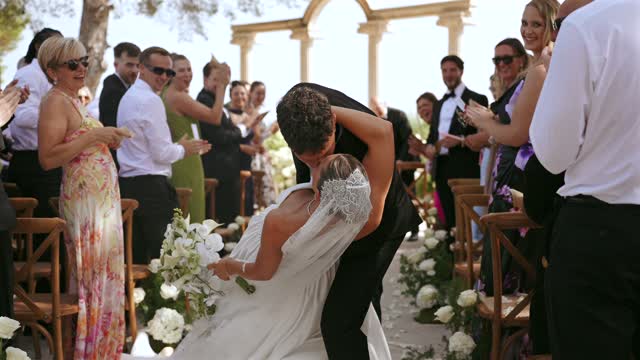
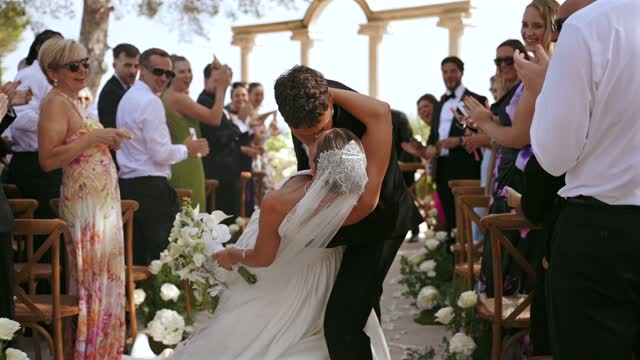
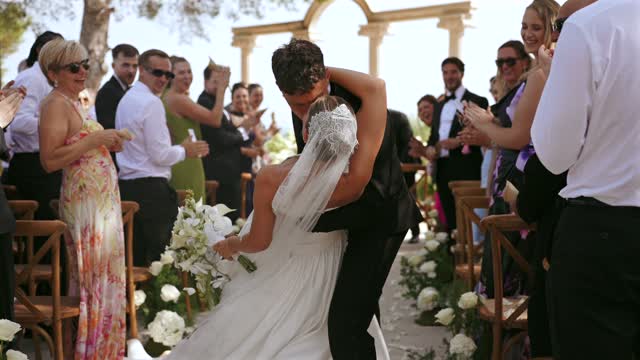
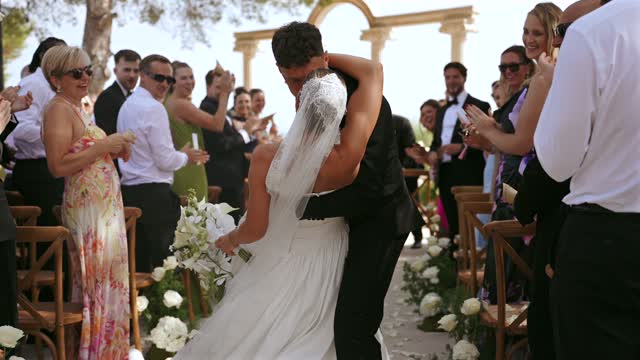
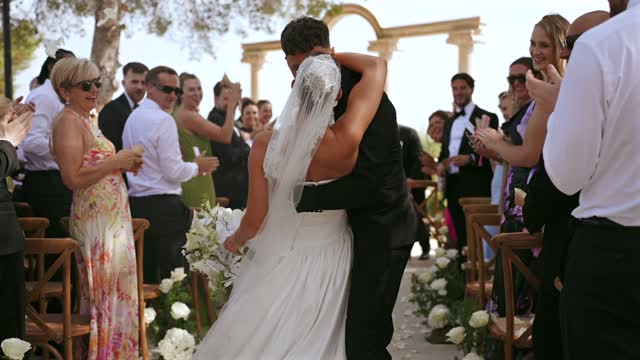
Your stills land here. Scrub to a moment and keep it, or let “Find sharpest” pick the frame for you.
What it does
Drop the film in. Get the stills out.
A wedding film is thousands of photographs moving at 25 frames a second. Frameworthy lets you stop the right one: scrub to the moment, step to the exact frame, and save a still the couple will print. Or let Auto-pick watch the whole film and bring back the keepers on its own.
01
Scrub to the moment, keep the frame
Open any film, drag to the second and step frame by frame with the arrow keys. One click saves a full-resolution JPEG, encoded once from a lossless master with full colour detail, ready for the gallery or the couple’s socials.
02
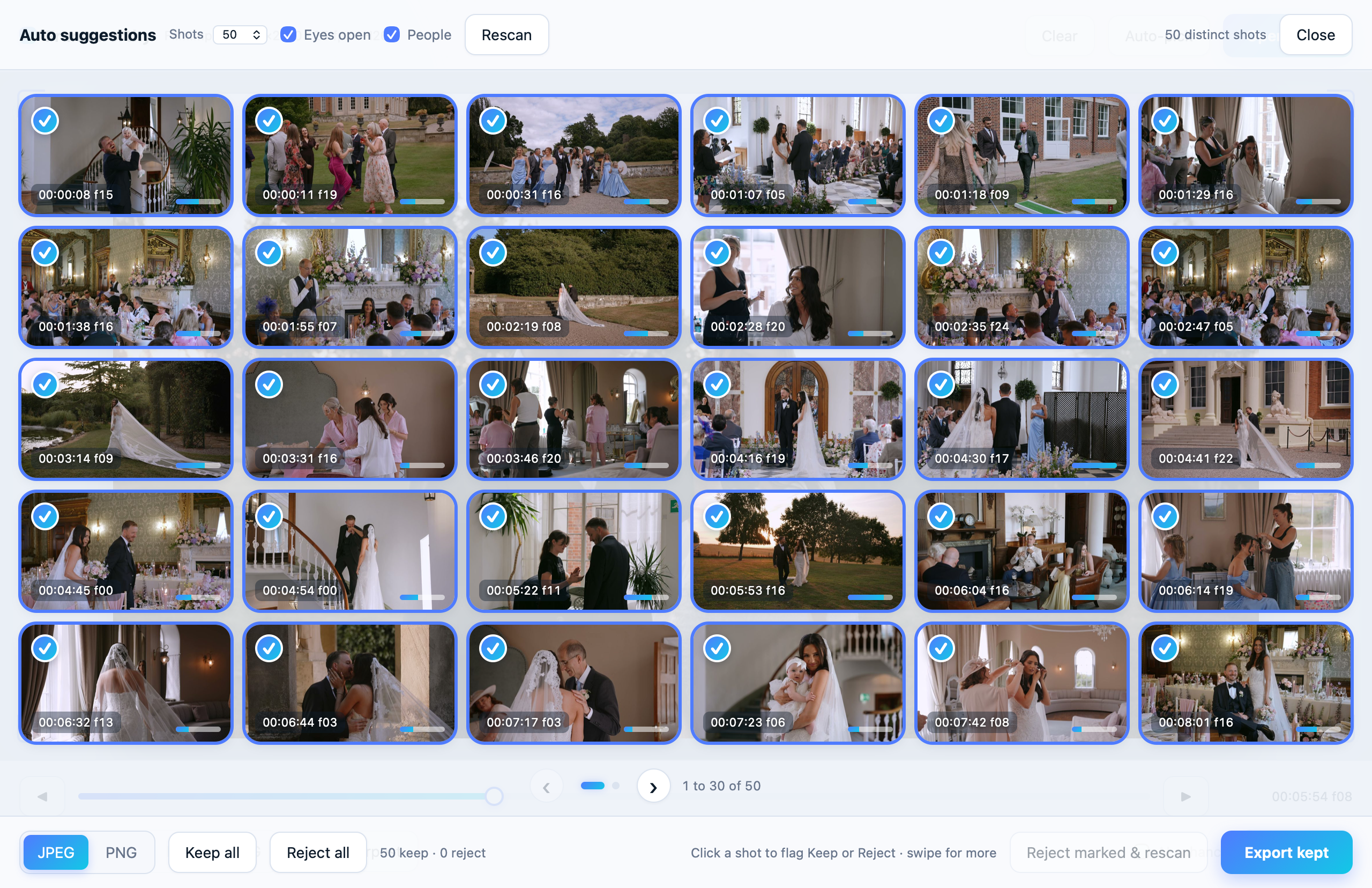
Auto-pick the keepers
Ask for 10, 25, 50 or 100 and Frameworthy watches the whole film, tracks every face through each moment and hands back the sharpest frame with the most eyes open. Swipe through the pages, keep, reject, and export the lot in one go.
03
Rescue the missed shot
For the moment the photographer missed. Frameworthy finds the sharpest frame of it, then enhances it on your Mac into a print-ready master.
The giveaway
Get Frameworthy. It’s free.
Drop your email below and the download will begin straight away.
Good to know
- Requires an Apple Silicon Mac (M1 or newer).
- Stills are as good as the footage: 4K film gives roughly 8-megapixel frames, 10-bit masters keep their depth as 16-bit PNGs, and Rescue’s enhance can take them further.
- Everything runs on your Mac. No account, no uploads, nothing leaves the room.

